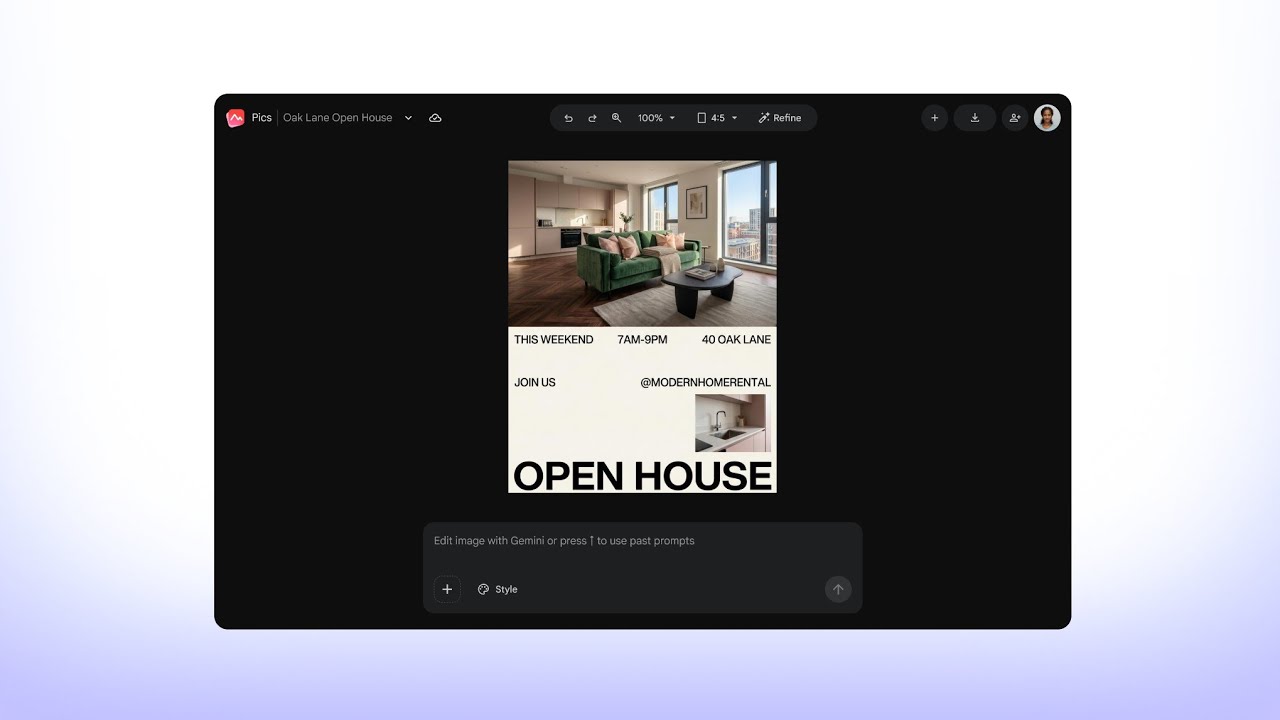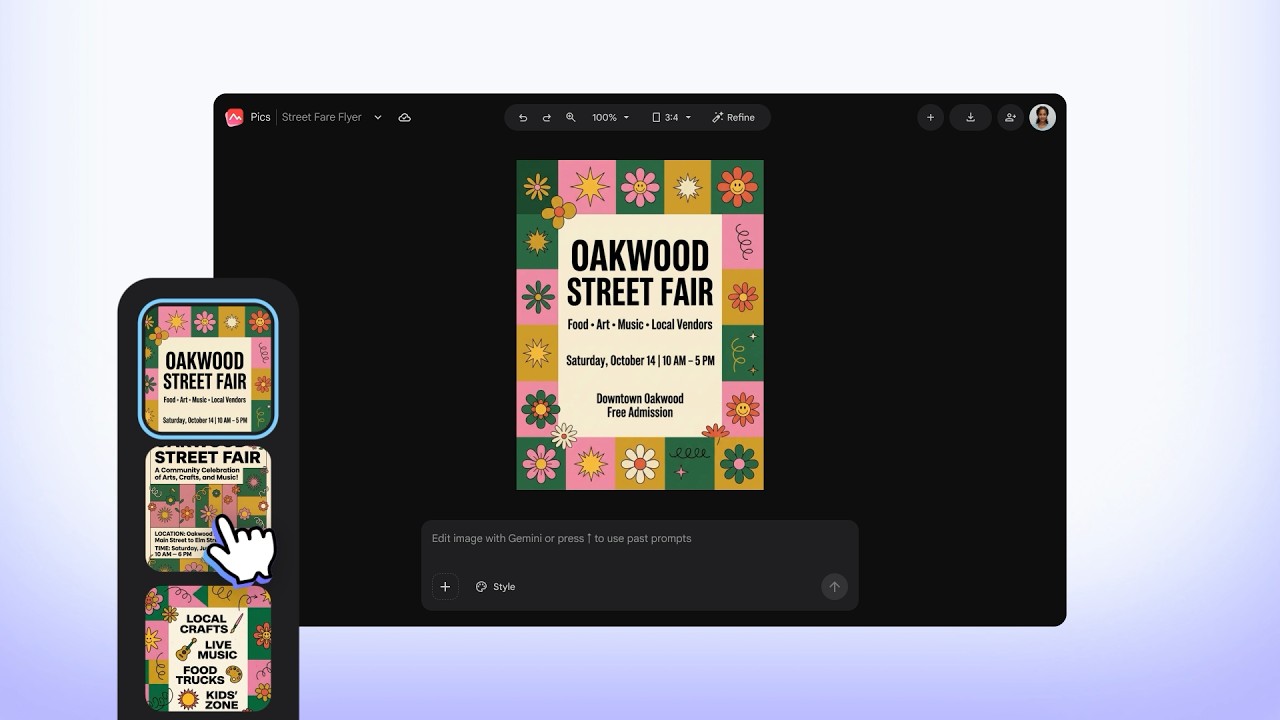









Boundless AI image generation meets precision editing
Create anything you can imagine with the AI imaging tool built into Google Workspace.
Uplevel every project with stunning, custom visuals


使用 Nano Banana 製作精彩圖片
「Google Pics」和您的想象力一樣強大,採用了 Google 最先進的 AI 圖像模型,能遵從您喜愛的風格,為任何專案建立圖像。
告別「寫完提示聽天由命」
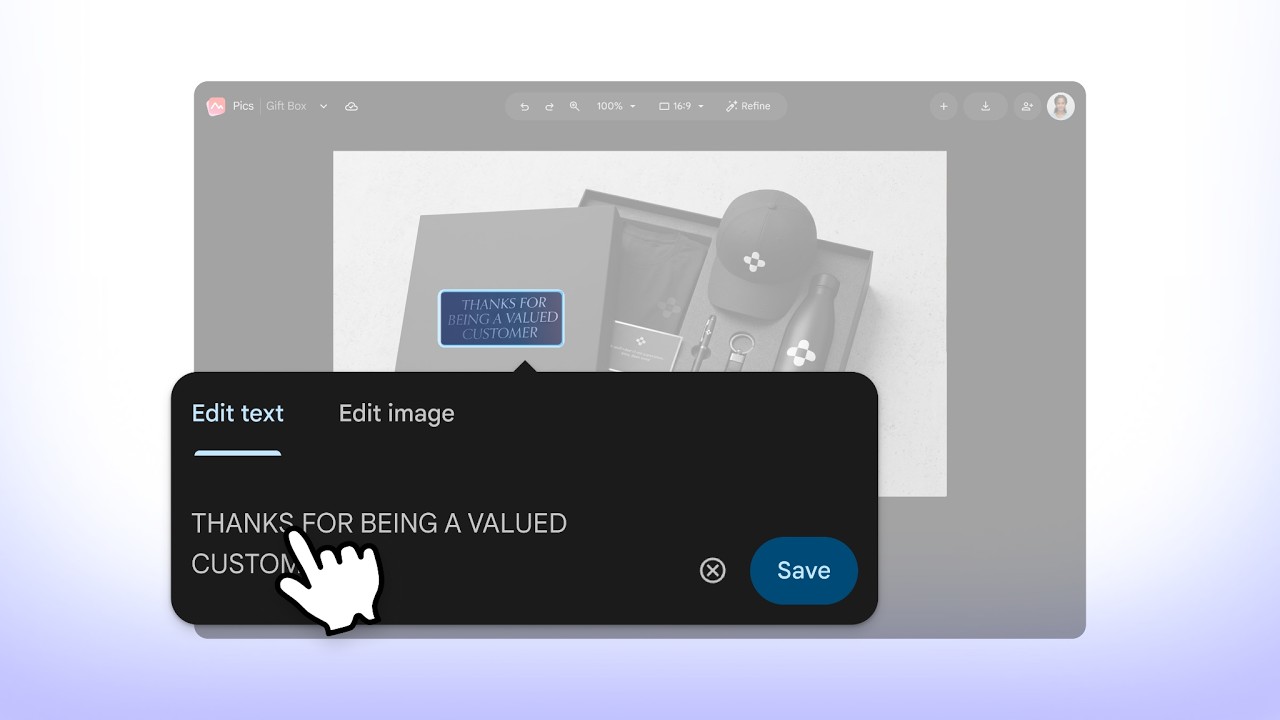
強大的控制功能,可在圖片中移動、調整大小及將個別物件變形、修改和翻譯文字,或是在修改圖片中特定的部分。精準編輯,化繁為簡。
Built into the Workspace apps you use every day
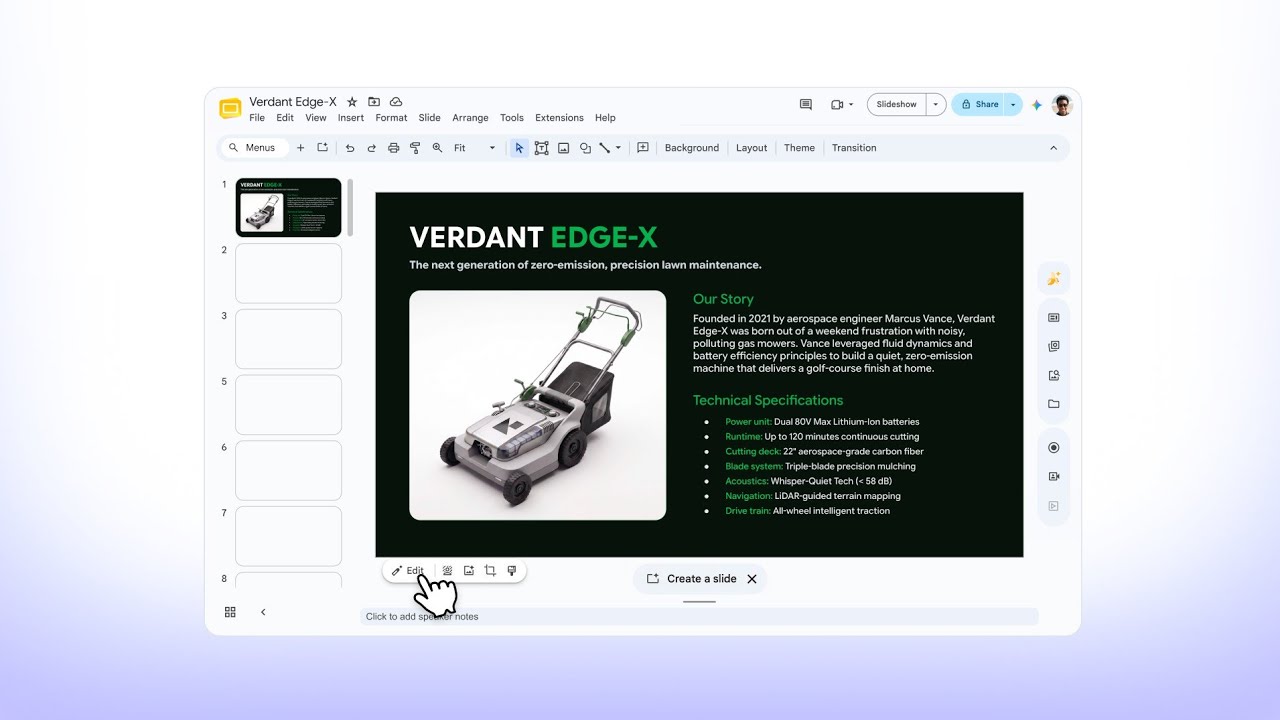
Engaging presentations
Take your presentations to the next level with AI-powered image editing in Google Slides.
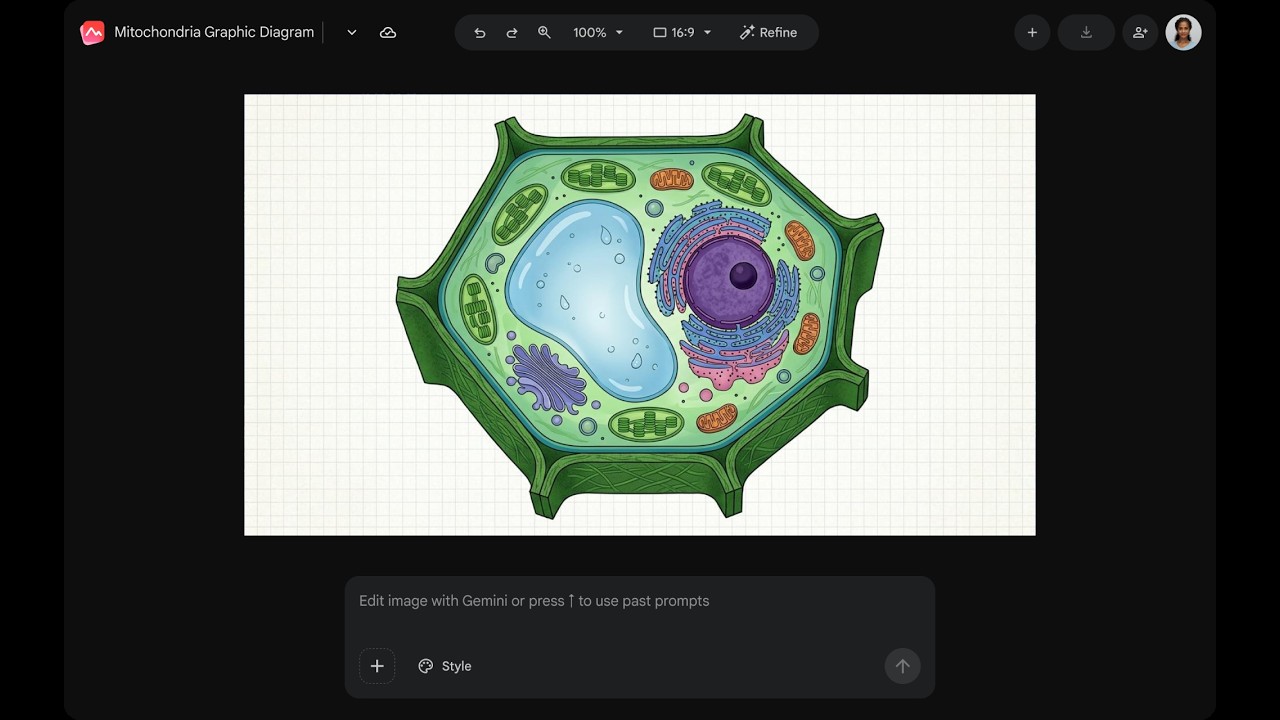
Expressive documents
Communicate your ideas clearly with rich infographics and illustrations in Google Docs.
Centralized and accessible
Manage all your Pics files in Google Drive, where you can easily create, edit, save, and open any existing image.
想進一步了解 Google Pics?
歡迎參考以下新手須知。
Pics is generally available for Workspace customers with Business Standard and higher plans, as well as Google AI Pro & Ultra subscribers. or upgrade for or .
You can access Google Pics as a standalone app or through integrations on Google Drive, Slides, and Docs. Your image creations are automatically and seamlessly synced across all these platforms.
Yes, Pics has the same sharing functionality as other Workspace products. After you generate an image, you can share its link with your teammates or friends, and they can make edits and save the image.
Pics can do both. You can get started by writing a text prompt to generate entirely new images from scratch, or you can upload your own existing images from Google Drive, Photos, and your computer to edit, refine, or add new elements to it.
While both tools handle visuals, they serve distinct purposes. Google Pics is a creative tool integrated within Workspace, designed to help you generate and edit images for projects at work, home, and school. Google Photos is the home for your personal memories, providing a way to back up, organize, search, and edit your photos and videos.