








Giải pháp
Sản phẩm
Ngành
Tài nguyên
Sign in
Google Pics is currently rolling out. Check back if you don't yet have access, and visit the Help Center to view eligible plans.
Learn more
Google Pics

Boundless AI image generation meets precision editing

Create anything you can imagine with the AI imaging tool built into Google Workspace.

Uplevel every project with stunning, custom visuals

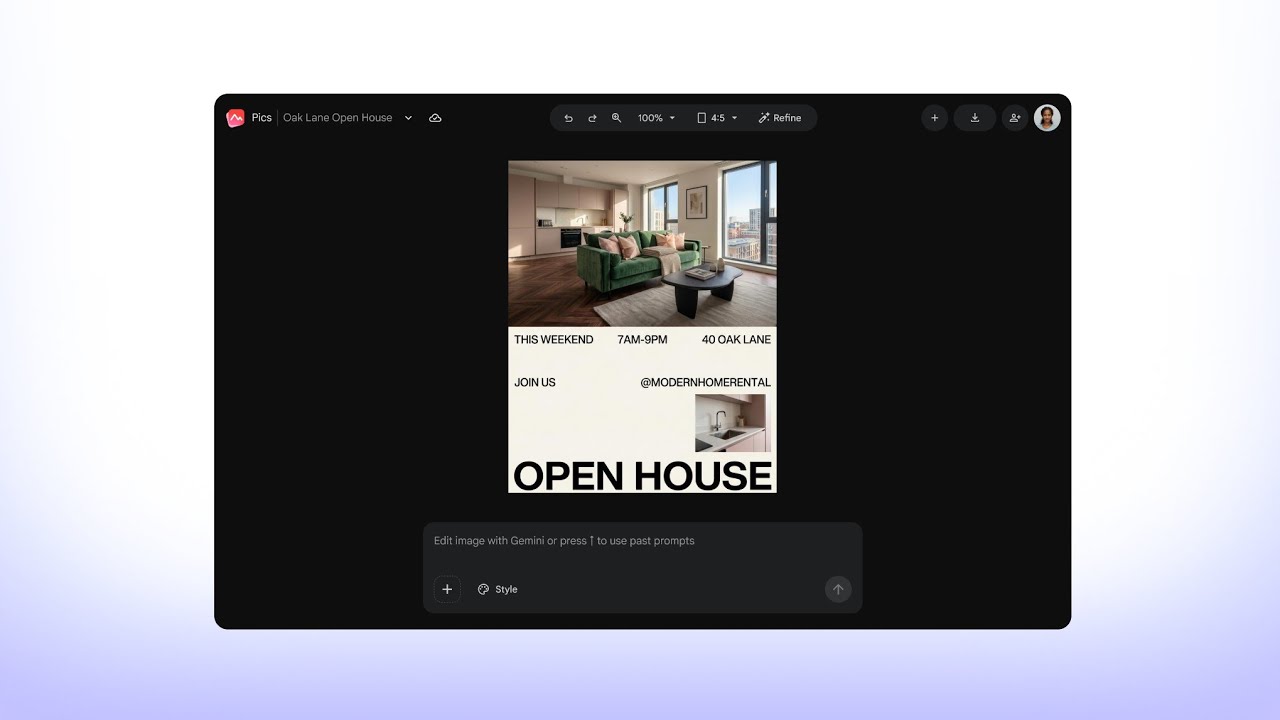
Transforming a dimly lit apartment photo into a fully designed, professional flyer with optimized lighting plus customizable text and image editing functions.
Design and layout
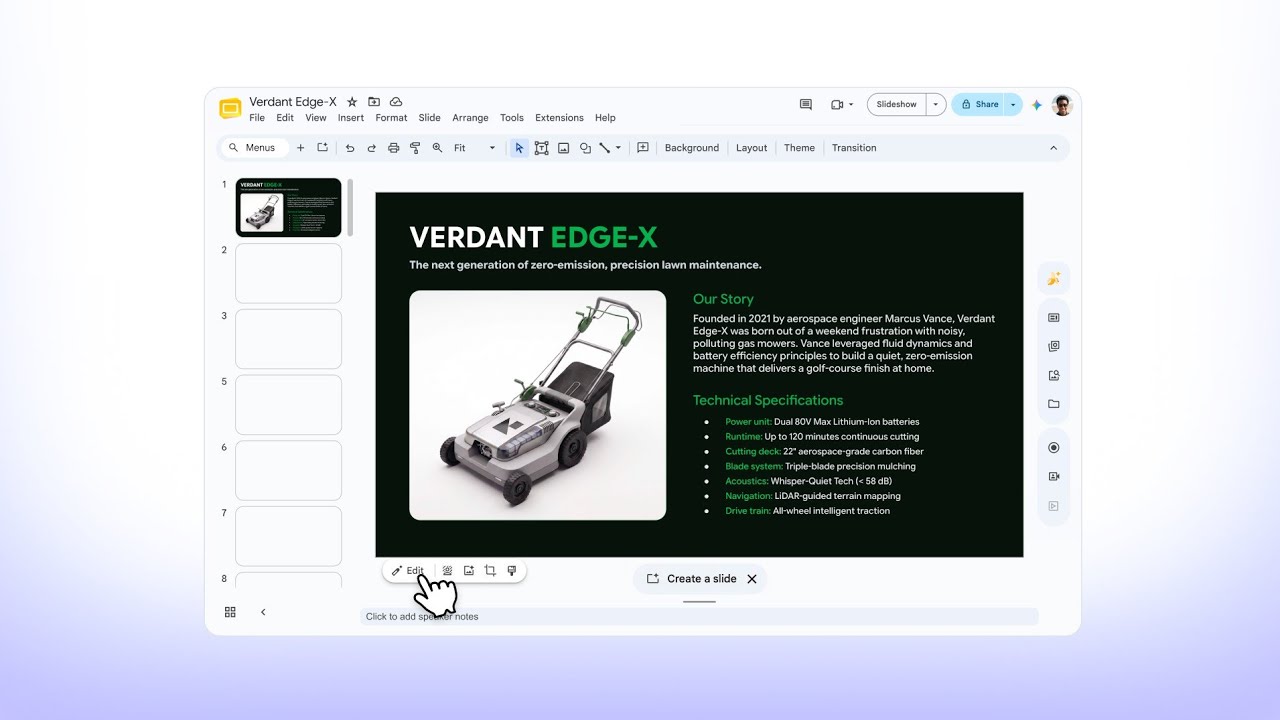
Staging a flat, background-free lawnmower product image into a warm, realistic outdoor setting directly in Google Slides, with precise adjustments to match the lifestyle context.
Product storytelling
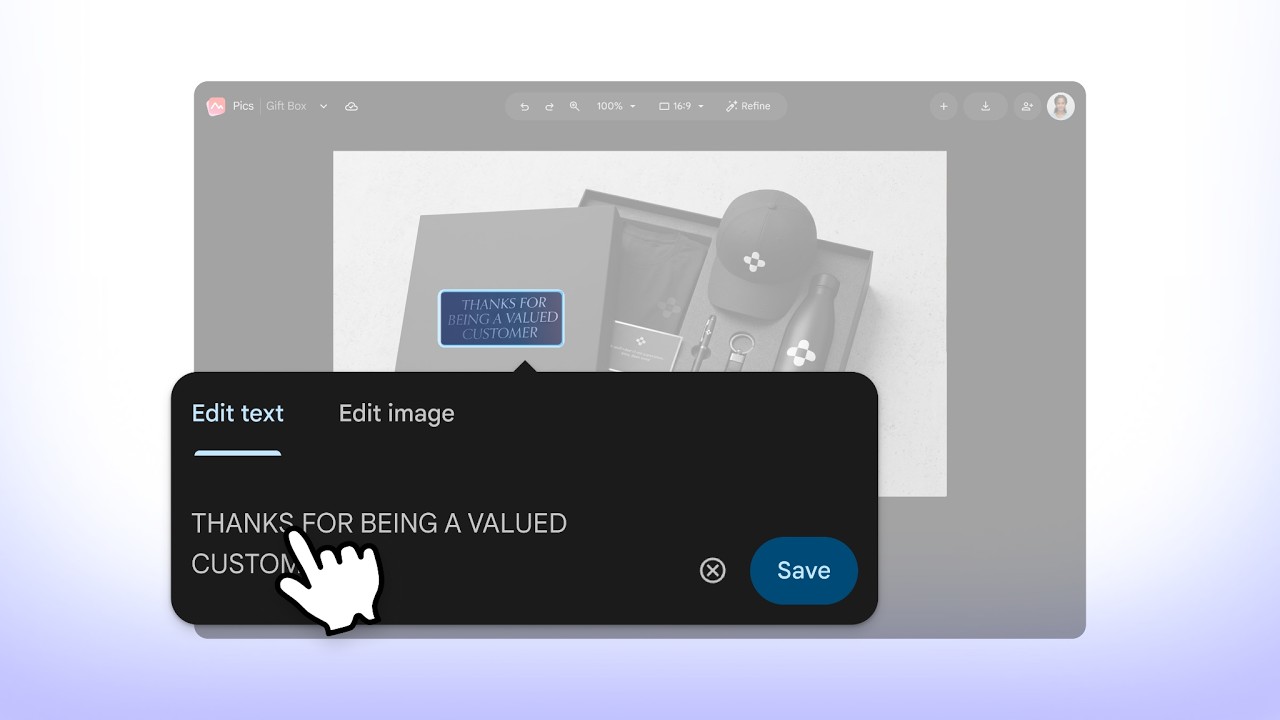
Generating a prototype of a corporate gifting box by uploading a brand logo, using precise object-based editing, and upscaling to 4K resolution for final integration into a Google Docs creative brief.
Visualization
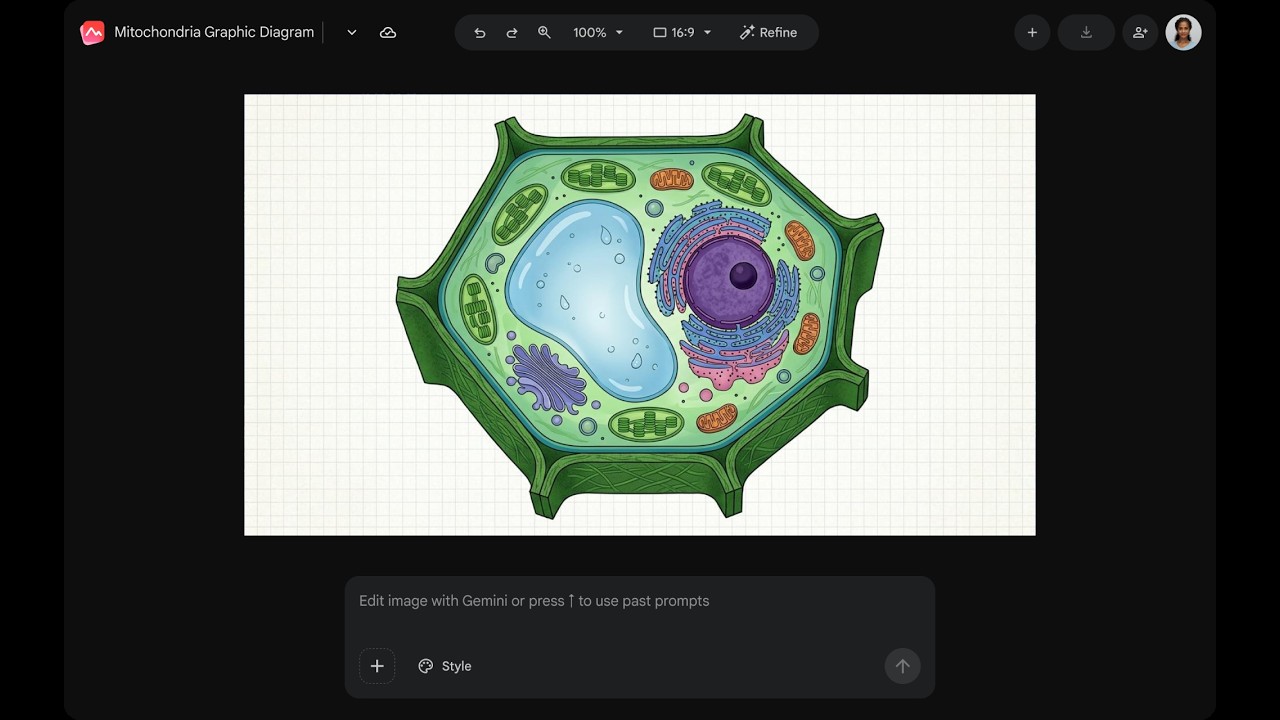
Demonstrating real-time collaboration by adjusting image dimensions and key elements before inviting a teammate to edit the shared canvas.
Instructional content
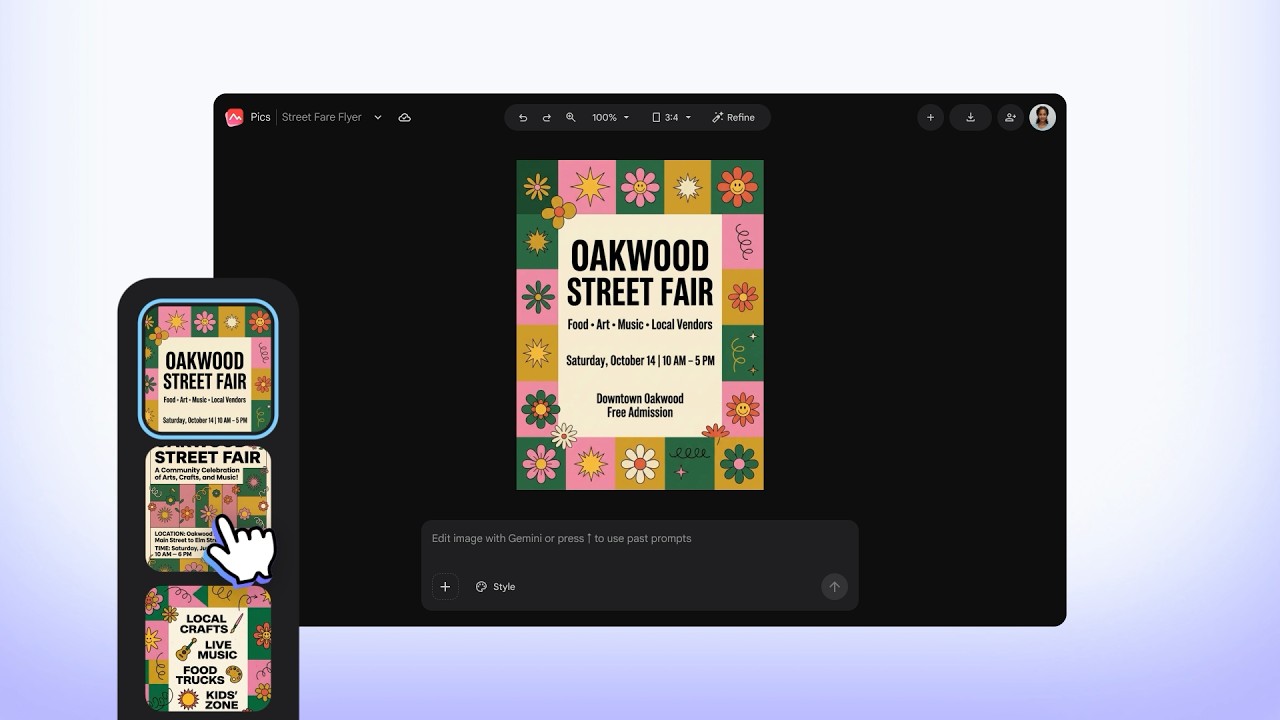
Creating a custom event flyer from a text prompt, exploring AI-generated design variations with object-level understanding, and utilizing batch editing to finalize key text details.
Communication

Tạo hình ảnh tuyệt đẹp bằng Nano Banana

Trong Google Pics, giới hạn duy nhất là trí tưởng tượng của bạn. Tạo hình ảnh cho mọi dự án theo phong cách bạn muốn bằng các mô hình tạo ảnh AI tiên tiến nhất của Google.

Giao diện trừu tượng cho thấy một công cụ AI đang tạo một tấm áp phích "The Matcha Club" thời thượng bằng câu lệnh dạng văn bản. Bố cục này bao gồm áp phích hoàn chỉnh, thanh câu lệnh, bộ điều khiển phong cách và chỉ báo trạng thái "Đang tạo hình ảnh…".
Một giao diện kỹ thuật số cho thấy tính năng chỉnh sửa ảnh có tích hợp AI đang tách một chiếc ghế bành màu vàng mù tạt ra khỏi cảnh phòng khách, cùng một trình đơn nổi cung cấp các lựa chọn di chuyển, xoá và chỉnh sửa, cùng một hộp giới hạn được gắn nhãn xung quanh chiếc ghế đã chọn.

Không còn cảnh "ra lệnh rồi cầu may"

Các chế độ điều khiển hiệu quả giúp di chuyển, đổi kích thước và biến đổi các đối tượng riêng lẻ, sửa đổi và dịch văn bản hoặc cập nhật một vùng cụ thể trong ảnh. Chỉnh sửa chính xác, đơn giản hơn bao giờ hết.

Built into the Workspace apps you use every day

Engaging presentations

Take your presentations to the next level with AI-powered image editing in Google Slides.

A Google Slides interface displays a slide for a “Collage Art Workshop” featuring a classical statue graphic. Overlaid on the image is a Google Pics editing prompt bar with options including “Edit this image with Gemini” and style customization tools.

Expressive documents

Communicate your ideas clearly with rich infographics and illustrations in Google Docs.

A Google Docs document containing a pie chart infographic titled “The Global Clean Energy Mix.” A cursor hovers over an “Edit chart” button on the image, accompanied by a Google Pics editing toolbar with options to edit text, edit image, and save.

Centralized and accessible

Manage all your Pics files in Google Drive, where you can easily create, edit, save, and open any existing image.

A Google Drive interface shows the “+ New” creation menu with “Google Pics” selected. In the background, an image preview of a furnished living room includes a top header button labeled “Edit with Google Pics”.
A Google Slides interface displays a slide for a “Collage Art Workshop” featuring a classical statue graphic. Overlaid on the image is a Google Pics editing prompt bar with options including “Edit this image with Gemini” and style customization tools.

Bạn muốn tìm hiểu về Google Pics?

Sau đây là mọi thông tin cần biết để bắt đầu.

  • Pics is generally available for Workspace customers with Business Standard and higher plans, as well as Google AI Pro & Ultra subscribers. See if you have access or upgrade for personal use or work.

  • You can access Google Pics on the web as a standalone app or through integrations on Google Drive, Slides, and Docs. Your image creations are automatically and seamlessly synced across all these platforms.

  • Yes, Pics has the same sharing functionality as other Workspace products. After you generate an image, you can share its link with your teammates or friends, and they can make edits and save the image.

  • Pics can do both. You can get started by writing a text prompt to generate entirely new images from scratch, or you can upload your own existing images from Google Drive, Photos, and your computer to edit, refine, or add new elements to it.

  • While both tools handle visuals, they serve distinct purposes. Google Pics is a creative tool integrated within Workspace, designed to help you generate and edit images for projects at work, home, and school. Google Photos is the home for your personal memories, providing a way to back up, organize, search, and edit your photos and videos.

  • Biểu tượng của Google Pics

    Create and edit images with Google Pics